
Table of Contents
ToggleFortnite isn’t just a battle royale, it’s a cultural canvas. Since its 2017 launch, Epic Games’ phenomenon has sparked an explosion of fan-created artwork that rivals major franchises in scope and creativity. From hyper-realistic digital paintings of iconic skins to animated shorts that reimagine the Island’s lore, the Fortnite fan art community has become one of gaming’s most vibrant creative spaces.
Whether you’re an artist looking to contribute your own spin on Peely, a collector hunting for the next viral piece, or just curious about how a 12-year-old with Procreate landed an official collaboration with Epic, this guide breaks down everything you need to know. We’ll cover the tools professionals use, the platforms where artists blow up overnight, and the legal fine print that keeps your work both visible and safe. Let’s jump into the world where Victory Royales meet visual storytelling.
Key Takeaways
- Fortnite fan art has evolved into a thriving creative ecosystem where artists can build careers, earn six-figure freelance rates, and see their concepts immortalized as in-game cosmetics.
- Popular fan art styles range from digital illustrations and 3D renders to concept art and animations, with tools like Procreate, Blender, and Clip Studio Paint providing accessible entry points for all skill levels.
- Success with Fortnite fan art requires originality, technical polish, and brand alignment with the game’s tone—posting within 24 hours of new skin drops or events significantly increases visibility and engagement.
- Epic Games’ permissive fan content policy allows artists to share work freely but prohibits commercial sales; however, commissions, Support-A-Creator codes, and Patreon general art tiers offer legitimate monetization paths.
- Social media platforms like X, TikTok, Instagram, and ArtStation serve as primary discovery channels, with consistent posting and community engagement being more valuable for long-term success than chasing viral trends.
What Is Fortnite Fan Art and Why Has It Become a Cultural Phenomenon?
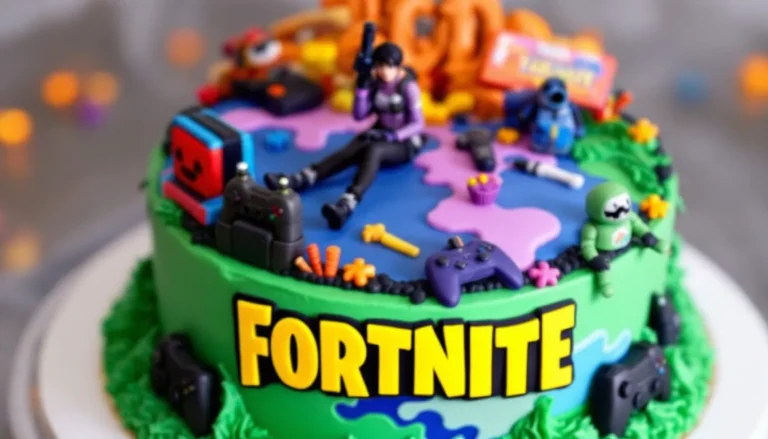
Fortnite fan art encompasses any creative work inspired by the game’s characters, locations, weapons, or narrative, made by fans rather than Epic Games itself. This includes everything from pencil sketches of Jonesy to full 3D-rendered animations of squad wipeouts.
The phenomenon exploded for a few reasons. First, Fortnite’s art style, bright, exaggerated, and instantly recognizable, translates beautifully across mediums. A spray-painted Drift on a brick wall hits as hard as a digital portrait. Second, the game’s constant content drops (new skins every week, live events every season) give artists endless fresh material. When Chapter 5 introduced Peter Griffin and Solid Snake in Season 1, fan artists had field days mashing up Family Guy humor with tactical espionage.
Third, Epic actively celebrates fan creations. Their community spotlights, official contests, and even in-game locker items based on fan concepts create a feedback loop: artists get recognition, players see their ideas become canon, and Epic gets free marketing that feels authentic. By 2026, some fan artists command six-figure freelance rates, and certain pieces, like the viral “Fishstick’s Last Stand” animation, rack up millions of views across platforms.
The community aspect can’t be overstated. Fortnite transcends age brackets and geographic borders, so the art does too. A 14-year-old in Brazil and a 30-year-old in Japan might both create fan art of The Foundation, but their styles, references, and interpretations will differ wildly. That diversity keeps the ecosystem fresh and unpredictable.
Popular Styles and Types of Fortnite Fan Art
Digital Illustrations and Character Portraits
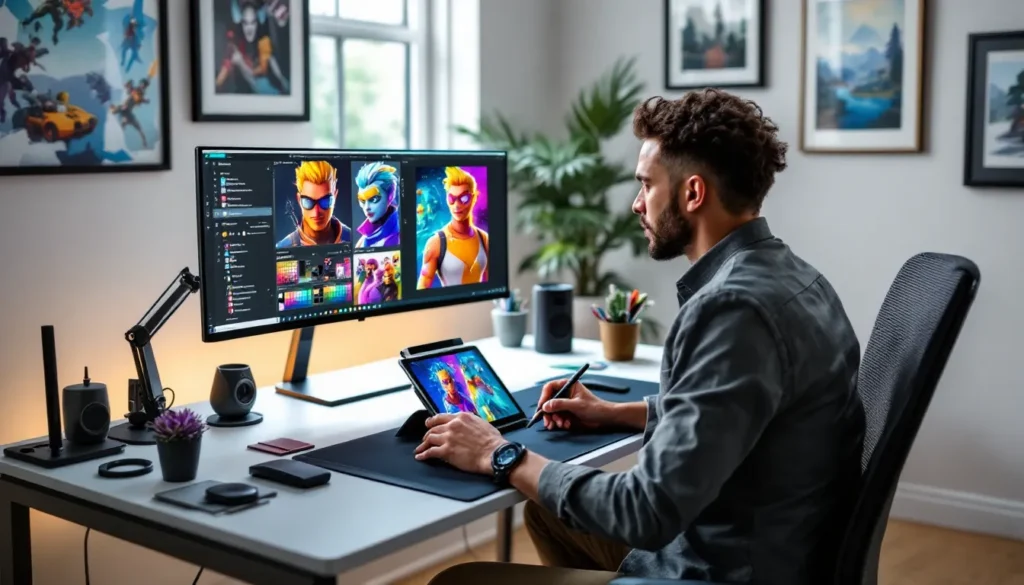
This is the most common entry point. Artists use tablets and styluses to create everything from chibi versions of Skye to photorealistic portraits of Midas. The style range is wild: some lean into the game’s cartoony aesthetic, while others reimagine characters with gritty, semi-realistic textures.
Procreate dominates the iPad crowd, while Clip Studio Paint and Photoshop rule the desktop space. Popular trends in 2026 include “skin mashups” (combining elements from multiple outfits into one design) and “reactive art” (illustrations that respond to live events, posted within hours of an in-game happening).
3D Models and Renders
For artists who want to flex technical chops, 3D work stands out. This includes recreating skins in Blender, posing them in custom scenes, or even building entire POI environments from scratch. Some creators export these models for use in animation and rendering projects, though that veers into modding territory.
3D renders often get mistaken for official promotional material, that’s how polished they’ve become. Artists like to experiment with lighting and post-processing effects, creating moody shots of Shadow Midas or neon-lit portraits of Neymar Jr. in his reactive style.
Concept Art and Skin Designs
This category blurs the line between fan work and professional pitch. Artists design original skins, pickaxes, gliders, and back bling, often presenting them with mock-up Item Shop cards and rarity tags. Epic has pulled concepts directly from the community before, most famously with the Tender Defender (the chicken trooper skin), which started as fan art.
Concept artists usually include multiple angles, color variants, and even lore blurbs. It’s spec work, but the potential payoff (having your design immortalized in-game) drives thousands of submissions every season. Popular themes in 2026 lean toward anime collabs, retro gaming callbacks, and hyper-detailed “legendary” tier designs.
Comics, Animations, and Storyboards
Storytelling formats have surged as artists explore the Island’s lore gaps. Fan comics range from single-panel gags (Peely slipping on his own peel) to multi-page narratives exploring The Seven’s backstory or imagining crossover interactions (what would happen if Goku met Master Chief at Lazy Lake?).
Animations take this further. Tools like Blender, Adobe Animate, and Unreal Engine let creators produce short films with voice acting, sound design, and custom choreography. Some fan animations, especially those synced to popular music tracks, rack up millions of views and become part of Fortnite’s extended cultural footprint. According to gaming culture coverage, animated fan works often see higher engagement than static art because they’re more shareable on TikTok and YouTube.
Essential Tools and Software for Creating Fortnite Fan Art
Digital Art Software for Beginners and Professionals
For newcomers, Procreate (iPad, $12.99 one-time) offers the lowest barrier to entry. Its intuitive interface and massive brush library make it easy to start sketching Jonesy or Ramirez within minutes. The animation assist feature also lets you create simple loops without jumping to a separate program.
Krita (free, Windows/Mac/Linux) is the best no-cost desktop option. It’s open-source, feature-rich, and handles large canvas sizes without choking. The brush engine rivals paid software, and the community has created Fortnite-specific brush packs for cartoony line work.
For professionals, Adobe Photoshop ($54.99/month) remains the industry standard. Layer management, non-destructive editing, and plugin support make it indispensable for complex compositions. Clip Studio Paint ($49.99 one-time for Pro, $219 for EX) sits between Krita and Photoshop, cheaper than Adobe, more robust than free alternatives, and beloved by manga/comic artists for its halftone and panel tools.
3D Modeling and Rendering Programs
Blender (free) is the 800-pound gorilla of 3D fan art. Its learning curve is steep, but the payoff is immense: full character modeling, rigging, animation, and photorealistic rendering. The Fortnite community has shared rig templates and material packs that mimic the game’s shader style, cutting hours off setup time.
Cinema 4D ($999/year) is the commercial alternative, favored for its motion graphics tools. If you’re creating animated Item Shop concepts or trailer-style promos, C4D’s workflow is faster. ZBrush ($40/month) dominates sculpting, ideal for high-detail skin concepts that need every pore and fabric thread visible.
For rendering, KeyShot ($299/year) and Octane Render ($20/month) produce studio-quality results without the technical overhead of Blender’s Cycles engine. Many artists render in Blender then post-process in Photoshop for final color grading.
Hardware Recommendations for Digital Artists
Tablets: Wacom Intuos Pro (Medium, $379) is the reliable workhorse. XP-Pen Artist 15.6 Pro ($399) offers a screen at a lower price point. For iPad users, the iPad Air (5th gen, $599) + Apple Pencil 2 ($129) is the sweet spot, Pro models offer minimal gains for fan art work.
Desktops: 3D work demands horsepower. Aim for at least an NVIDIA RTX 4060 Ti (8GB VRAM, $399) if you’re rendering in Blender or Octane. For 2D work, integrated graphics on a modern CPU suffice. 16GB RAM is minimum: 32GB keeps large PSDs and Blender scenes smooth.
Monitors: Color accuracy matters. The BenQ PD2725U ($699, 4K, 99% sRGB) is overkill for hobbyists but essential if you’re pitching concepts to Epic or selling prints. Budget option: ASUS ProArt PA247CV ($229, 1080p, 100% sRGB).
Step-by-Step Guide to Creating Your First Fortnite Fan Art
Finding Inspiration and Choosing Your Subject
Start by identifying what excites you about Fortnite. Is it a specific skin (like popular outfit choices), a weapon, a POI, or a moment from lore? Browse the Item Shop history, rewatch cinematics, or scroll through #FortniteFanArt on X (formerly Twitter) to see what resonates.
Narrow your focus. “I want to draw Fortnite” is too broad. “I want to draw Meowscles arm-wrestling Brutus at a neon-lit bar” gives you a clear composition, lighting scheme, and narrative hook. Reference is king, screenshot the skins in-game from multiple angles, or use community sites like Fortnite.GG to view 3D models.
Consider trends but don’t chase them slavishly. If everyone’s drawing the latest Marvel collab, your work might drown in the flood. Sometimes an underrated skin from three seasons ago, like a detailed take on niche cosmetics, stands out more because it’s unexpected.
Sketching and Planning Your Composition
Open your software and block out shapes before worrying about details. Use circles for heads, cylinders for limbs, boxes for torsos. Fortnite characters have exaggerated proportions (big heads, smaller legs), so lean into that or deliberately subvert it if you’re going for realism.
Rule of thirds keeps compositions dynamic. Place your focal point (usually the character’s face or a weapon) at an intersection point rather than dead center. Leave negative space, cramming every inch with detail reads as cluttered.
For dynamic poses, use action lines and gesture drawing. Reference actual Fortnite emotes or Victory poses, Epic’s animators already solved the problem of making characters look energetic and readable. Flip your canvas horizontally every few minutes to catch proportional errors your brain glosses over.
Once the sketch is solid, create a clean line layer. Drop opacity on your rough sketch to 30%, make a new layer above it, and trace with confident strokes. Fortnite’s art style favors thick, varied line weights, thicker on outer edges and shadows, thinner for interior details.
Adding Color, Shading, and Final Details
Flat colors first. Lock your line layer (or put it in Multiply blend mode) and lay down base colors on a layer beneath. Use the game’s palette as reference, Fortnite skins have distinct color schemes that make them iconic. Drift’s pink-and-black or Galaxy’s cosmic purples aren’t arbitrary.
Shading in Fortnite fan art usually follows two schools: cel-shaded (hard-edged shadows, like the game itself) or soft-shaded (gradients and airbrushing, for a more painterly look). Cel-shading is faster and matches the source material. Soft-shading shows technical skill but can look off-brand if pushed too far.
For cel-shading: Create a Multiply layer above your flats, pick a cool shadow color (purple-tinted grays work well), and paint hard-edged shadows where light doesn’t hit. Add a second shadow layer for extreme darks (under chins, deep folds). Then an Overlay or Add layer for highlights, warm yellows or cool blues depending on your light source.
Final details sell the piece: light reflections in eyes, rim lighting on hair, subtle textures on fabric. Don’t over-render, Fortnite’s aesthetic is clean and graphic, not hyper-detailed. Add a simple background (gradient, geometric shapes, or a blurred POI) so your character doesn’t float in white void. Export at high resolution (300 DPI if you’re printing, 150 DPI minimum for web).
Where to Share and Showcase Your Fortnite Fan Art
Social Media Platforms for Maximum Visibility
X (Twitter) remains the epicenter. Use #FortniteFanArt, #Fortnite, and tag @FortniteGame. Post during peak hours (7-9 PM EST) when engagement spikes. Epic’s community team actively monitors the hashtag, and viral pieces get retweeted to their 15+ million followers.
Instagram works for polished, single-image posts. Use Reels for time-lapses or process videos, the algorithm favors video content in 2026. Stories with polls (“Which skin should I draw next?”) boost engagement and feed the algorithm.
TikTok is king for process videos and speed paints. A 60-second time-lapse of your character illustration process can hit FYP and bring thousands of new followers overnight. Add trending audio and text overlays explaining your technique.
Threads (Meta’s X competitor) has a growing Fortnite art community. Less noise than X, higher engagement rates per post. Cross-posting between Threads and Instagram is seamless.
Art Community Sites and Portfolio Platforms
ArtStation is where pros showcase portfolios. Tagging work with “Fortnite” connects you to recruiters and other artists. The platform’s search and discovery tools surface quality work better than social media’s chaos. Trending on ArtStation’s front page can land freelance gigs.
DeviantArt still thrives for fan art. Its groups (like “Fortnite-Fans” with 10K+ members) provide built-in audiences. The platform’s print-on-demand integration lets you sell your work without upfront costs.
Behance (Adobe’s portfolio site) skews professional. Use it for case studies, document your process from sketch to final render, explaining decisions. Behance projects get indexed by Google, boosting discoverability.
Cara (the artist-friendly Instagram alternative) has gained traction post-2025. Its anti-AI-scraping stance and chronological feed appeal to artists frustrated with algorithmic suppression.
Fortnite’s Official Community Channels and Contests
Epic runs #FortniteBlockbuster and #FortniteConcepts contests multiple times per year. Winners get V-Bucks, exclusive cosmetics, or even collaboration opportunities. Rules and themes change each cycle, check Epic’s official blog and @FNCreate on X for announcements.
Submitting through Support-A-Creator channels can amplify reach. If you’re in the SAC program (requires 1,000 followers on a major platform), your code appears alongside your work in community spotlights, driving traffic and potential earnings.
Epic’s Community Spotlight blog features fan creations weekly. There’s no formal submission process, they curate from hashtags and community sites. Consistent, high-quality output increases your odds. Several artists featured in 2025-2026 later collaborated on official cosmetic designs.
How to Get Your Fan Art Featured by Epic Games
Epic’s community team looks for three things: originality, technical execution, and brand alignment. “Originality” doesn’t mean inventing new skins, it means a fresh take. A beautifully rendered Peely in a noir detective scene stands out more than the 10,000th generic portrait.
Technical execution matters, but perfection isn’t required. Epic has featured stylized, sketch-like work and pixel art alongside photorealistic renders. What matters is that the piece is polished within its chosen style. No stray lines, consistent lighting, and intentional composition signal you know what you’re doing.
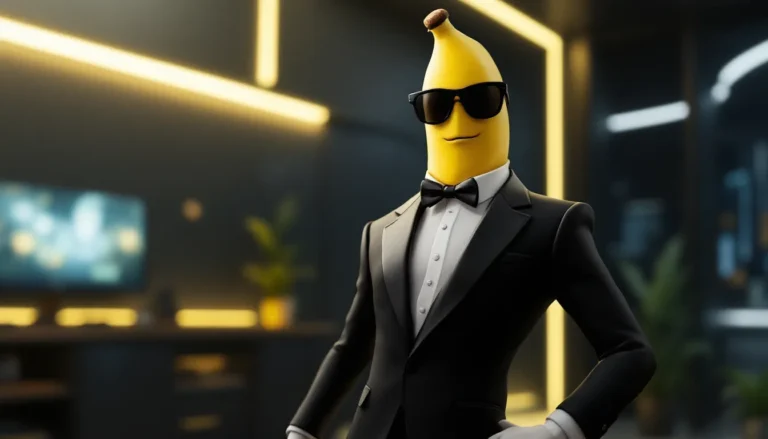
Brand alignment means understanding Fortnite’s tone. The game balances goofy (a banana with a gun) and epic (reality-shaking lore events). Your art should reflect that range. Ultra-gritty, hyper-violent interpretations rarely get spotlighted, Fortnite is T-rated and family-friendly at its core.
Engagement helps. Pieces with thousands of likes and retweets catch the community team’s eye faster. Tag @FortniteGame and use official hashtags, but don’t spam or beg for features, it’s a turn-off. According to esports and gaming culture reporting, artists who consistently post quality work and engage with the community (commenting on others’ art, participating in challenges) get featured more often than one-hit wonders.
Timing is strategic. Post within 24 hours of a new skin drop or event, and you ride the hype wave. When Chapter 5 Season 2 introduced Solid Snake, artists who posted fan art that same day saw 5-10x normal engagement. Epic’s spotlights tend to focus on recent, trending topics.
Don’t ignore smaller official channels. @FNCreate (Epic’s creative mode account) and regional Fortnite accounts (like @Fortnite_ES or @FortniteJP) have smaller followings but still offer significant exposure. A feature from a regional account can break you into new markets.
Top Fortnite Fan Artists to Follow for Inspiration
@ItsMateo (X/Instagram) specializes in cinematic 3D renders. His lighting and composition make skins look like they’re from official trailers. He often explores crossover concepts that blend anime aesthetics with Fortnite’s style.
@ZabkaZone (ArtStation/X) creates hyper-detailed concept skins with full Item Shop mockups. His “Chrono Knights” series (time-traveling medieval skins) went viral in 2025, and rumors suggest Epic is considering adapting elements for Season 3.
@FishyFishy_Art (Instagram/TikTok) leans into cartoony, expressive illustrations. Her comics exploring skin backstories (like “What if Fishstick ran a taco stand?”) have racked up millions of views. She’s proof you don’t need realism to succeed.
@RenderRealm (YouTube/X) produces animated shorts using Unreal Engine. His “Battle Bus Chronicles” series follows a squad’s misadventures across seasons, complete with voice acting and Easter eggs for lore nerds.
@KatsuCreates (Behance/Instagram) focuses on fashion-forward redesigns of existing skins. She reimagines Jules as haute couture or Midas in streetwear, bridging gaming and fashion communities.
@PixelPioneer (DeviantArt/X) creates pixel art versions of Fortnite skins and POIs. His retro demakes (“What if Fortnite was a SNES game?”) appeal to nostalgia-driven gamers and demonstrate that you don’t need cutting-edge tools to stand out.
Follow a mix of styles and mediums. You’ll absorb techniques and trends without falling into imitation. Most successful artists don’t copy, they synthesize influences into something distinctly their own.
Understanding Copyright and Legal Considerations
Epic Games’ Fan Art Policy and Guidelines
Epic’s official fan content policy (last updated October 2024) is one of the most permissive in gaming. Fans can create and share art featuring Fortnite IP as long as it’s non-commercial and doesn’t imply official endorsement.
Non-commercial means you can post art to social media, portfolios, and community sites for free. You cannot sell prints, posters, T-shirts, or NFTs featuring Fortnite characters without a license. Epic has issued takedowns to Etsy shops and Redbubble sellers who ignored this rule.
Exceptions exist for fan conventions and charity. If you’re selling a single print at a local con or donating proceeds to charity, Epic typically looks the other way. But running a sustained commercial operation (like a Patreon offering Fortnite art packs) risks a cease-and-desist.
No mature content. Epic forbids sexually explicit, excessively violent, or hateful fan art. They won’t come after a mildly edgy piece, but pornographic or graphic gore content violates the policy. Keep it T-rated or lighter.
No confusion with official content. Don’t use Epic’s logo, branding, or UI elements in ways that make your art look like official promotional material. Fan artists have faced issues when mockups were too polished and confused players into thinking a fake skin was real.
Monetizing Your Fortnite Fan Art Legally
The safest monetization path is commissions. If someone pays you to draw their custom Fortnite skin combo or in-game moment, that’s generally fine, it’s a private transaction for personal use, not mass-market commercial product.
Patreon and Ko-fi live in a gray zone. If your Patreon offers generic “support my art” tiers and some of your work happens to be Fortnite, Epic rarely objects. But if your Patreon explicitly sells “Fortnite art packs” or “exclusive Fortnite illustrations,” you’re risking trouble. Successful artists structure Patreon around their general work and tutorials, not specific IP.
Print-on-demand (Redbubble, Society6, etc.) is explicitly against policy unless you only upload original designs inspired by Fortnite without using characters or logos. An abstract geometric pattern in Drift’s color palette? Probably okay. Drift’s face on a T-shirt? Infringement.
Support-A-Creator code earnings are fully legitimate. If fans use your SAC code when buying V-Bucks, you earn a cut (5% as of 2026) without selling anything yourself. Many fan artists treat this as their primary Fortnite income stream, supplemented by non-Fortnite commissions and original IP.
Some artists collaborate with Epic directly through the competitive scene and promotional partnerships, where the company commissions official work. That’s paid, legitimate, and often leads to long-term freelance relationships. Breaking in usually requires an established portfolio and prior features in community spotlights.
Conclusion
Fortnite fan art in 2026 is more than fandom, it’s a launchpad. Artists have built careers, landed game industry jobs, and even seen their concepts immortalized in-game. The barrier to entry is low (a tablet and free software can get you started), but the ceiling is sky-high for those willing to put in consistent, quality work.
The community rewards originality and consistency over viral flukes. Post regularly, engage authentically, and don’t chase trends at the expense of developing your own voice. Whether you’re sketching iconic logos in a notebook or rendering full cinematic scenes in Blender, the Fortnite community has a space for your style.
Epic’s openness to fan creations, and track record of elevating community talent, makes this one of the best ecosystems for aspiring game artists. So grab your stylus, fire up your software, and add your mark to the Island’s ever-expanding gallery. The next community spotlight could be yours.